
Amplify Inbox categories messages into below mentioned 2 tabs based on the conversation. Message tabs can be changed as per your choice as well.
Types of tabs :
1.Actionable : Every new conversation triggered by the user enters the Actionable tab. At any given point of time a new message comes from any user will show up in the Actionable tab. The conversations are time sorted with the latest message showing up on the top. Also If the user is moved to Non-actionable Tab by clicking on 3 dots available beside the user details option already then message will not appear in actionable tab.
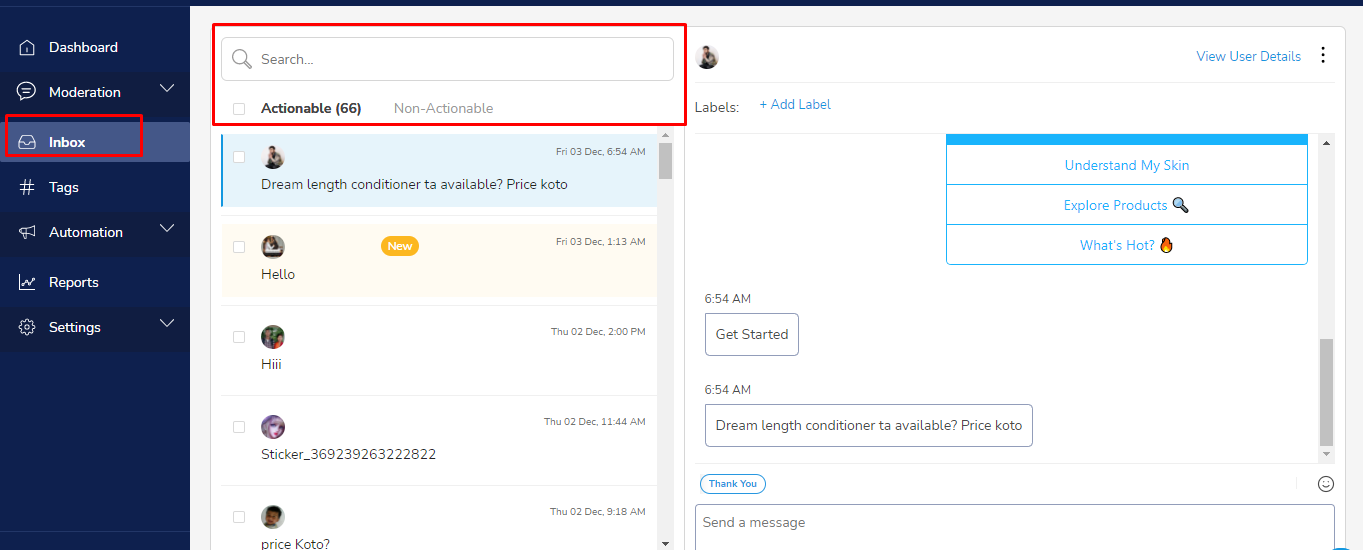
2. Non-Actionable Tab : Every time a user unsubscribes by sending a ‘STOP’, ‘UNSUBSCRIBE’ etc. Inbox will automatically move those conversations to the Non-actionable tab. This tab shows the conversation history and you can analyze why users have unsubscribed by looking through the messages.
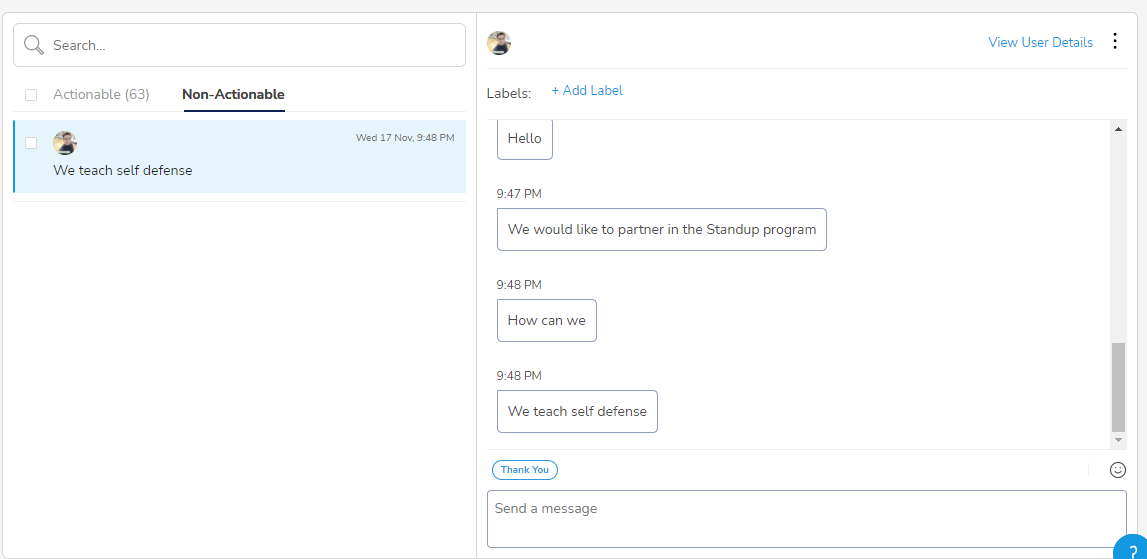
Also If the agent or customer care team runs into the situations where there are certain users who are trolling or abusing or continuously using profanities, those users can be marked as Ignore and any message from those users will always show up in the Non-actionable tab.
In addition to the above if the agent or customer care team has manually moved the message to Non-actionable tab due to any reason and wishes to interact later then in that case team can interact from Non-actionable tab as well.
Comments
0 comments
Please sign in to leave a comment.