
In order to create branded content and start paid partnership with a brand you will have to convert your Instagram account to professional account.
To do so please follow below steps :
- Login in your Instagram account.
- Click on profile options at the bottom right.
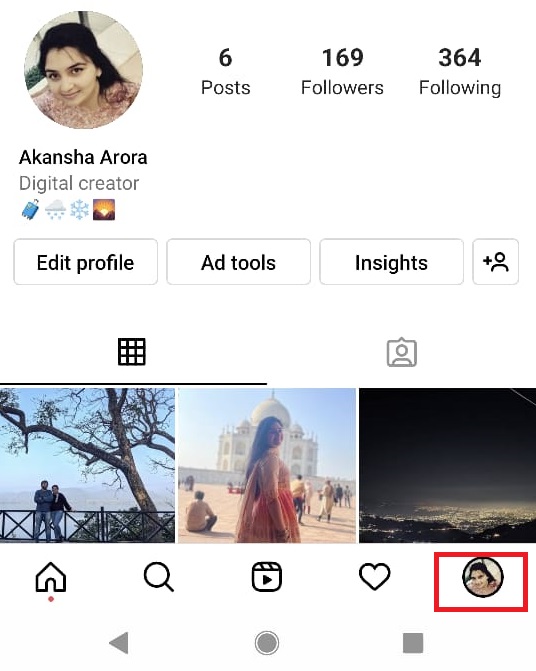
3. Click on 3 bars at the upper right corner.
4. Click on settings -->Account.
5. Scroll down a bit and locate "Branded Content" option.
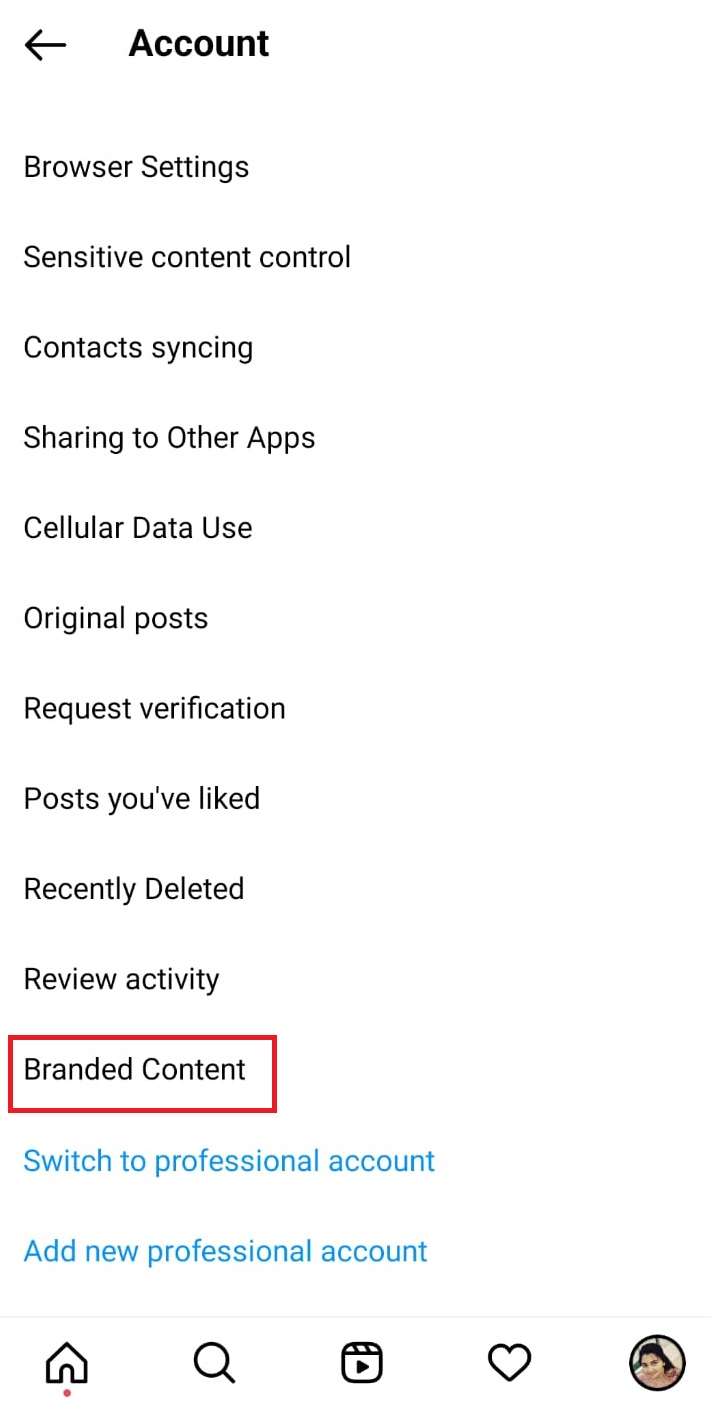
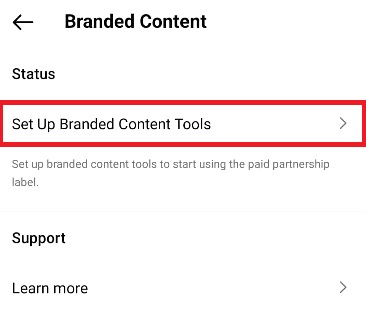
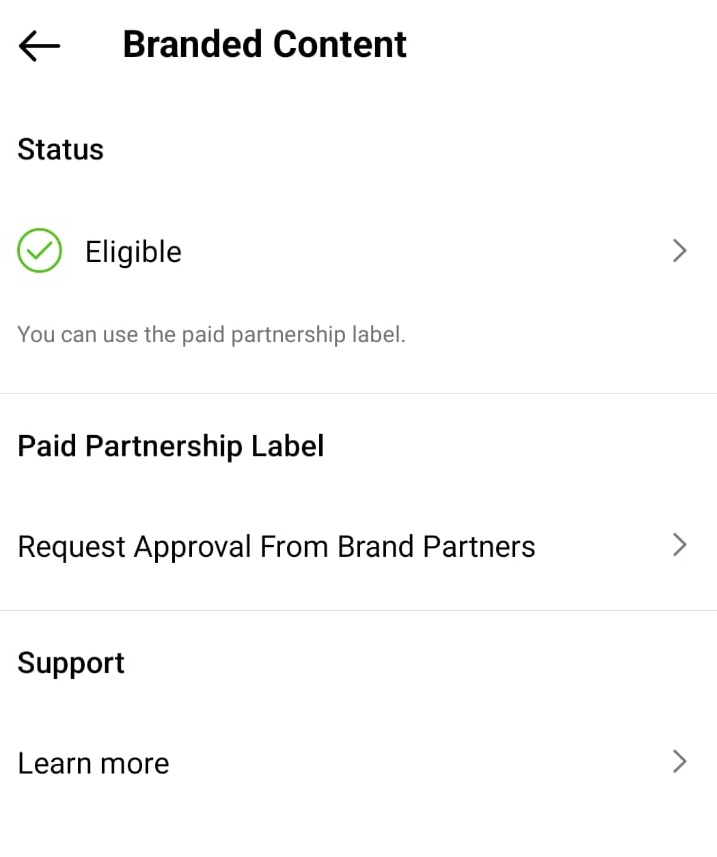
6. Post which you will be able to see Status tab and below it there will be option to setup branded content tools. Click on the same and Refer screenshot.
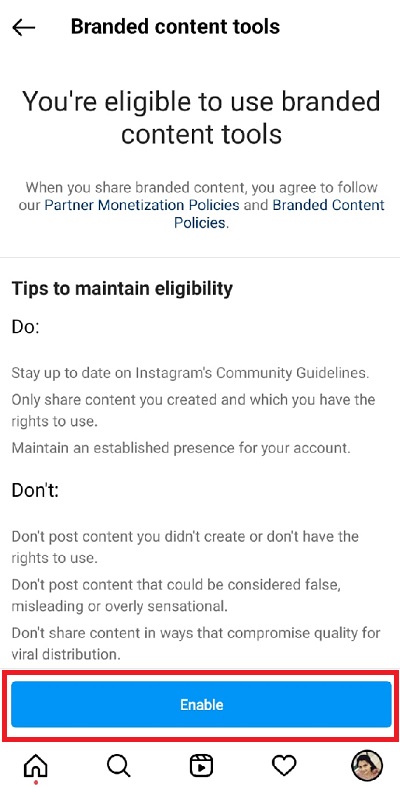
7. Next tab will show you if your eligible to use branded content tools and Enable option at the bottom. Click on Enable.
8. Next tab will ask you to convert your account to professional account. Click yes.
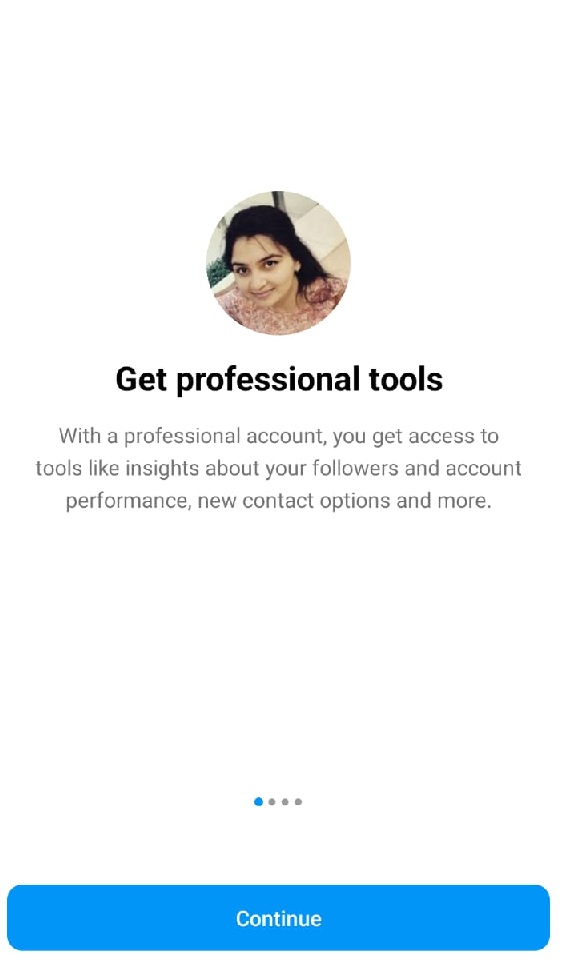
9. Information regarding Professional account will appear. Click continue.
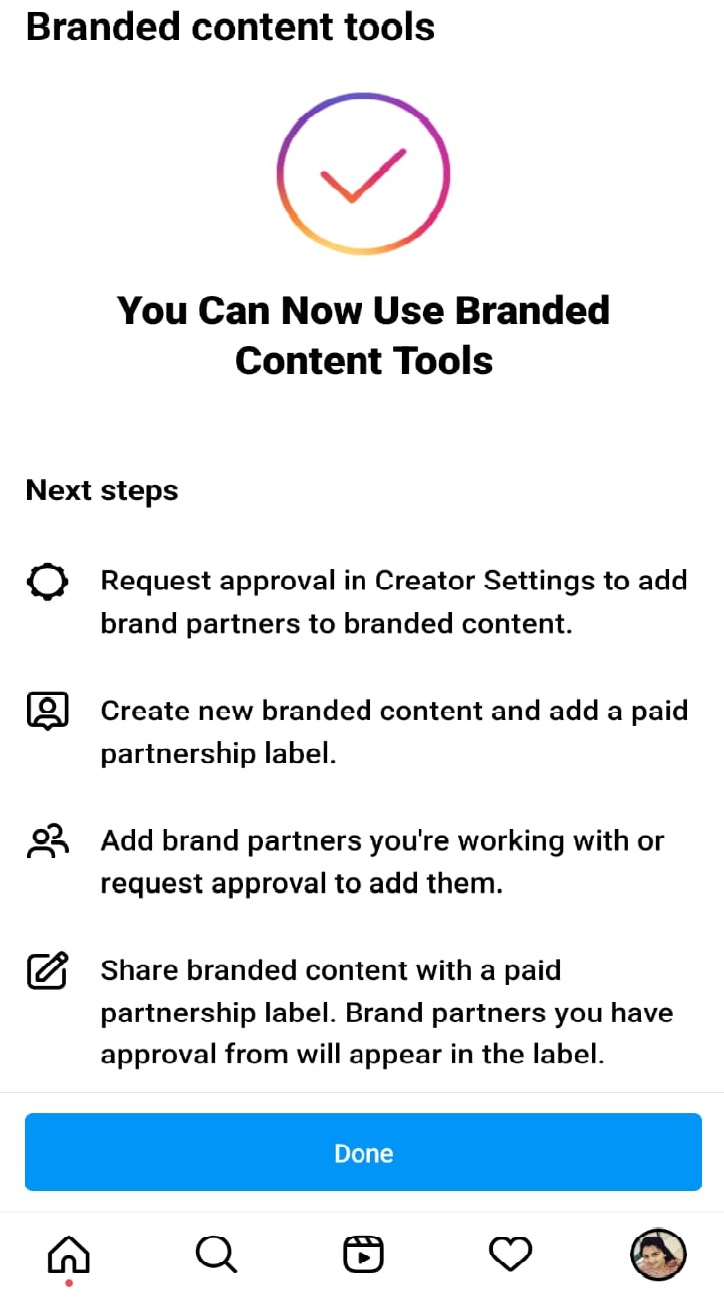
10. Tab will appear with a message that you can start using branded content tools. Click done at the bottom.
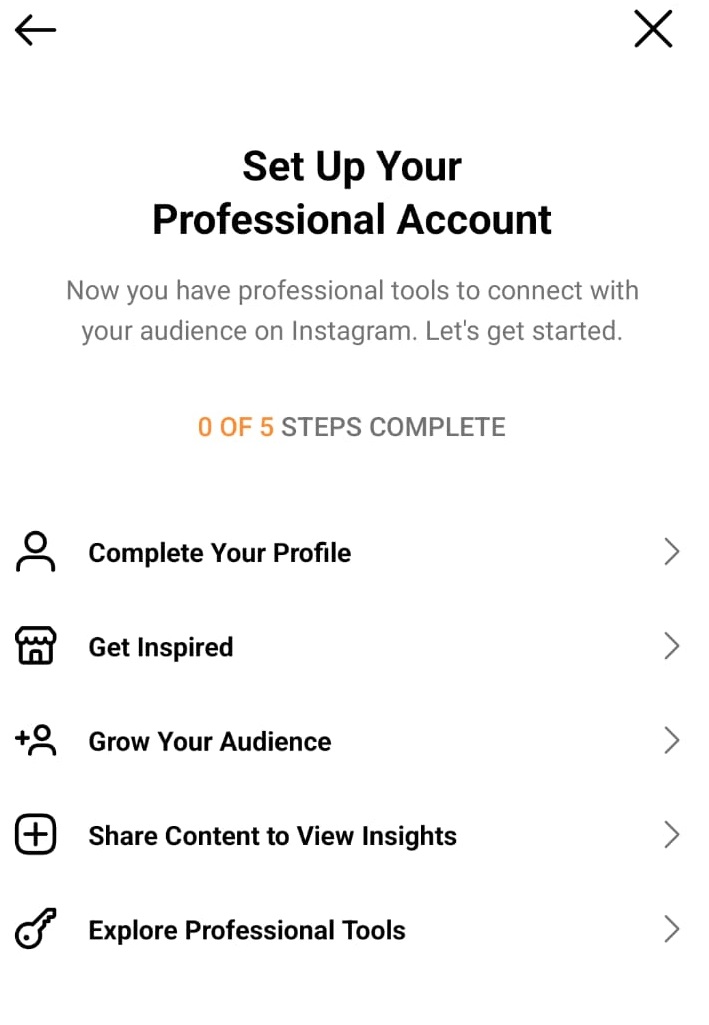
11. Complete the profile under professional account setup.
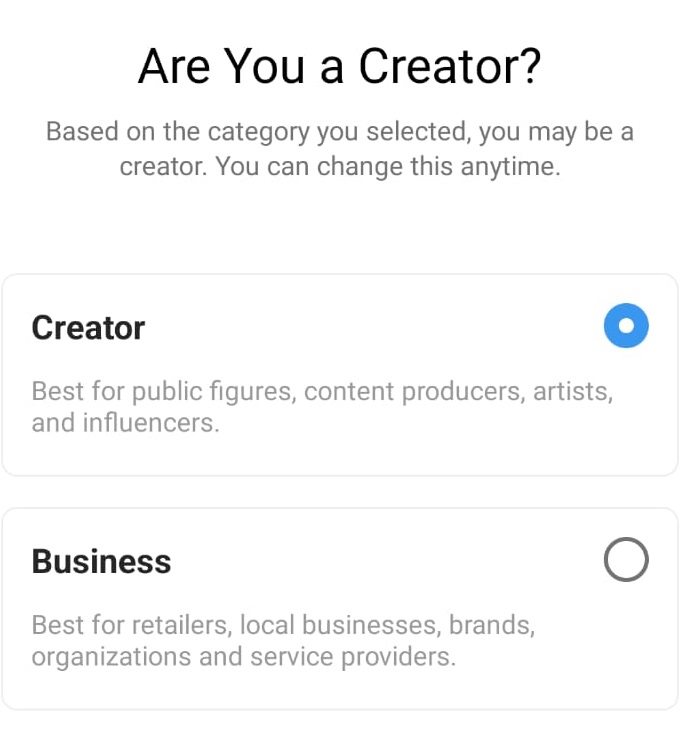
12. Choose Creator under "Are you creator " tab and select appropriate option under what best describes you.
13. Once you have completed the setup ,you will be able to see status changes to "Eligible" and Your professional account is now setup and you can start using branded content tools
Please Note :
To proceed and start creating content you need to first request approval from brand partners and the option is available under Paid partnership label.
We have covered how to request approval from brand partners in our article with the name :
How to Request Paid Partnership from Brand Partners ? : https://amplifyai.zendesk.com/hc/en-us/articles/4415656986515-How-to-Request-Paid-Partnership-from-Brand-Partners-
Comments
0 comments
Please sign in to leave a comment.