
Amplify Standard Smart Replies Campaigns are generic predefined campaigns available for you to enable quick public auto-responses to the comments across platforms.
To set up Amplify Standard Smart Replies Campaign, first select the 'Smart Replies' option from the Automation drop down. You will be able to see 'Amplify Standard' mentioned under the smart replies tab.
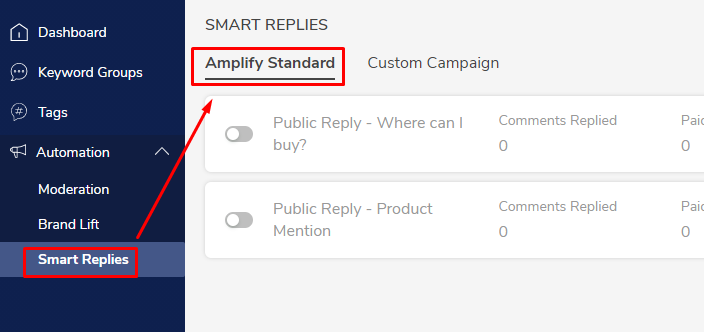
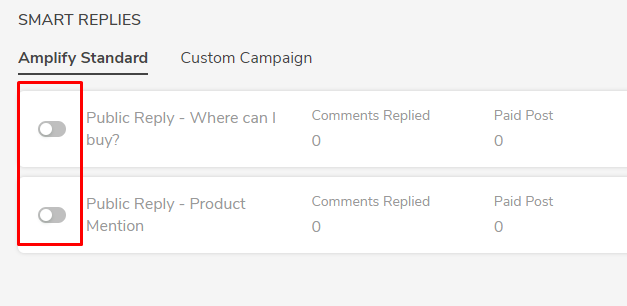
A list of standard campaigns will be pop up from which you can choose from. To enable the desired campaign, use the toggle button available to the left of the campaign title.
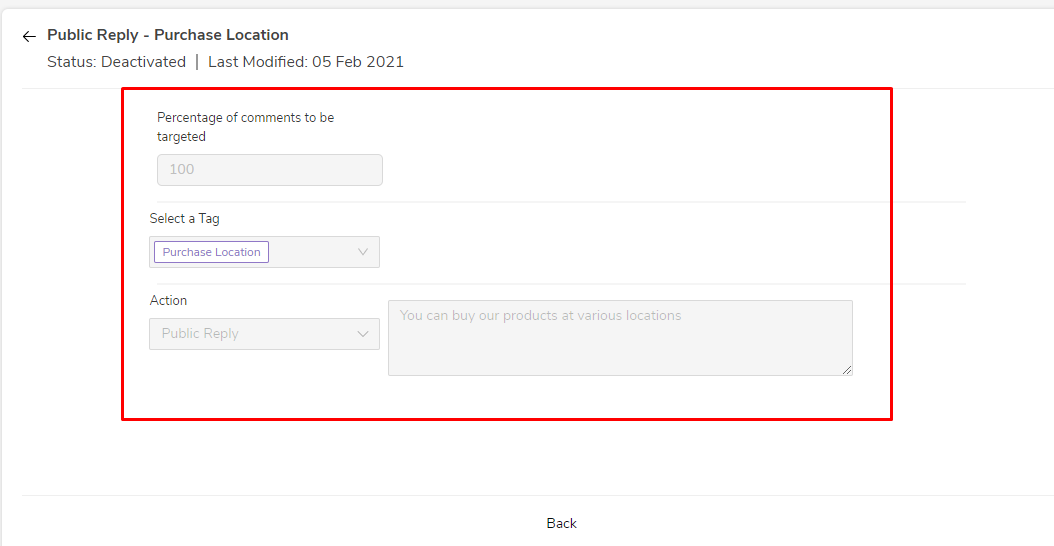
You can also edit the standard campaigns by clicking on the pen icon on the right side. There, you can mention the percentage of comments to be targeted.
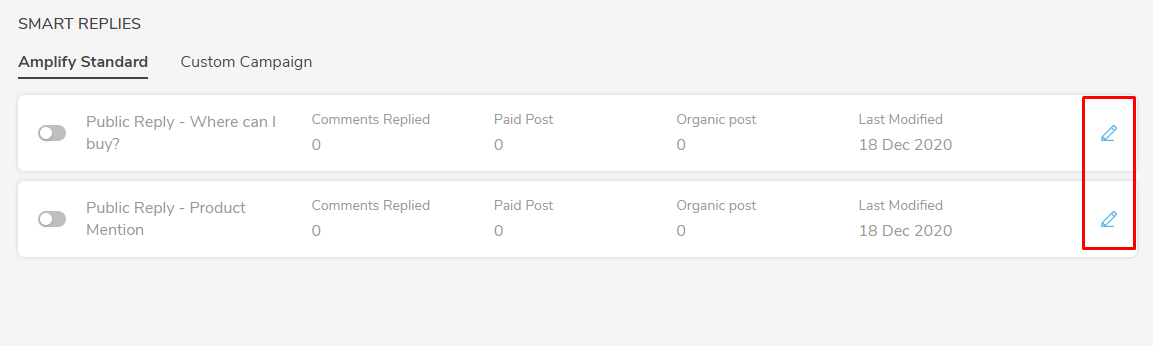
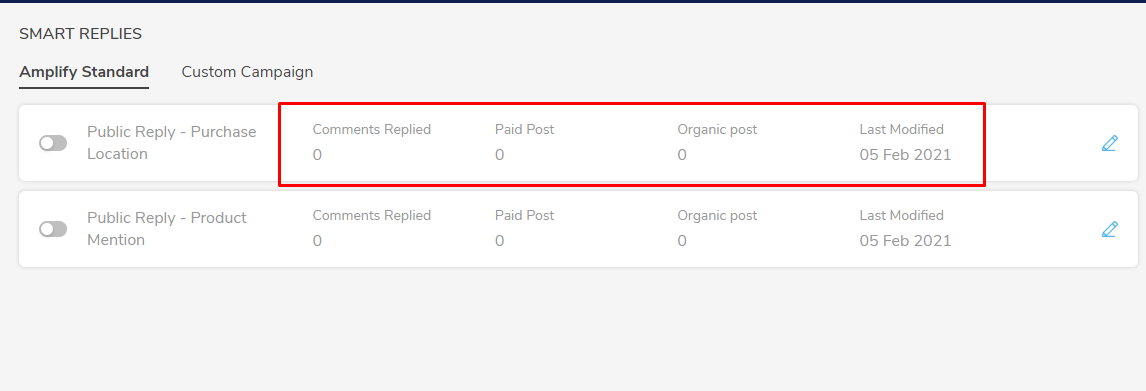
Once the campaign is live, the system will start generating data for the mentioned fields which can be used for further analysis. This is visible on the very same campaign. Refer the below image.
- Comments Replied
- Paid Post
- Organic Post
- Last Modified
Comments
0 comments
Please sign in to leave a comment.