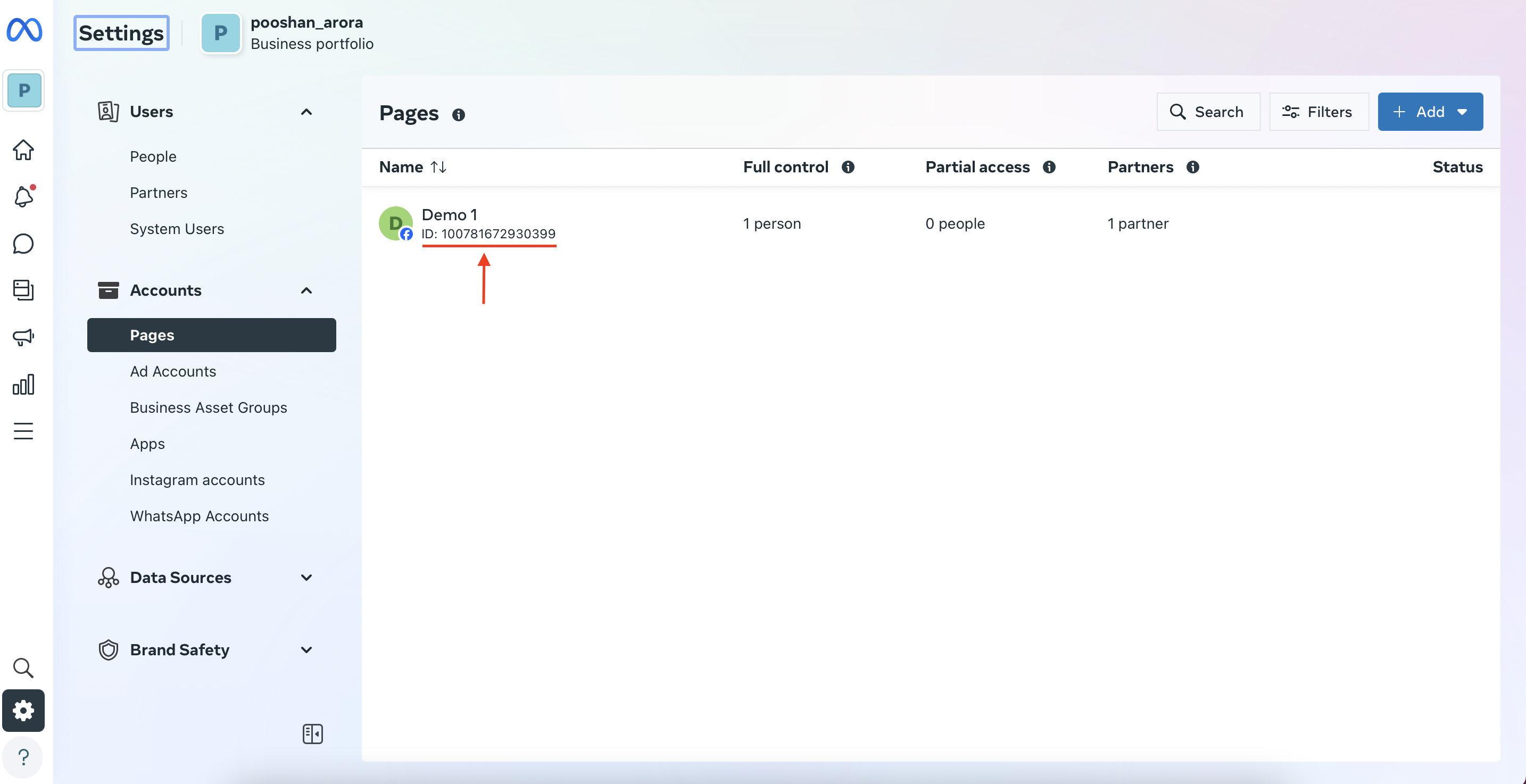
Facebook Page ID via Business Manager (BM) Amplify.ai Customer Success July 01, 2024 18:56 Updated 1. Access the Meta Business Suite and click on 'Settings'. 2. Click on 'Pages'. 3. As the next screen appears you can see the page id as shown below. Related articles How to find Facebook Page ID/username/URL ? Facebook Page ID via Facebook page profile Overview Comments 0 comments Please sign in to leave a comment.

Comments
0 comments
Please sign in to leave a comment.